Profile Select
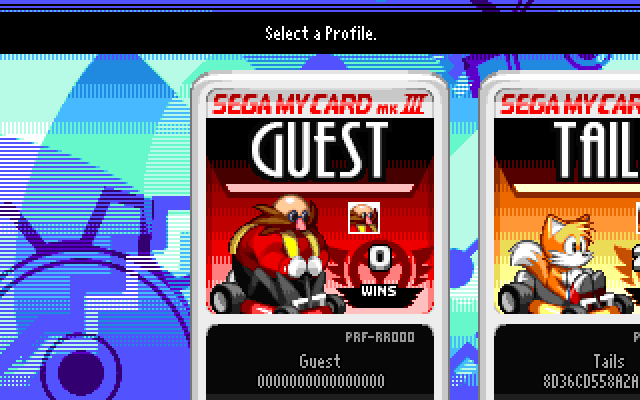
After launching the game, you need to select (or create) a profile. A profile saves your personal settings & accolades to allow for quick setup for multiple devices.
These settings & accolades include:
- Character
- Color
- Follower
- Control bindings
- Accessibility options
- Race Wins
- Power Level (PWR LVL) on separate online servers
Controls
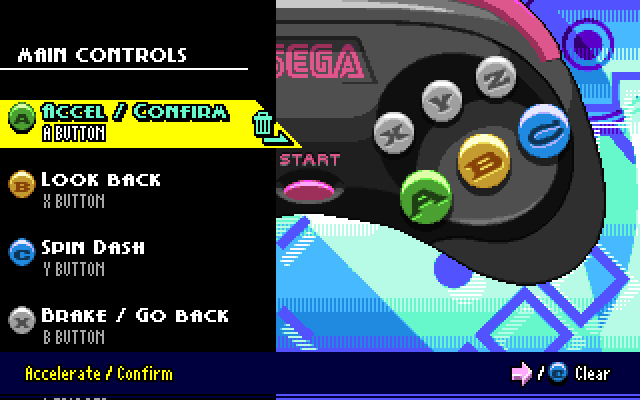
Set up per-profile controls. To assign multiple buttons to the same action, hold both buttons at once.
At the bottom of the list, you’ll find options to test, reset, or clear your control bindings.
If you’re using a 6-button controller or a strangely-configured Nintendo controller, use the “Button Display” setting to select control prompts that work for you. Most players can leave it on “Modern”.
Accessibility
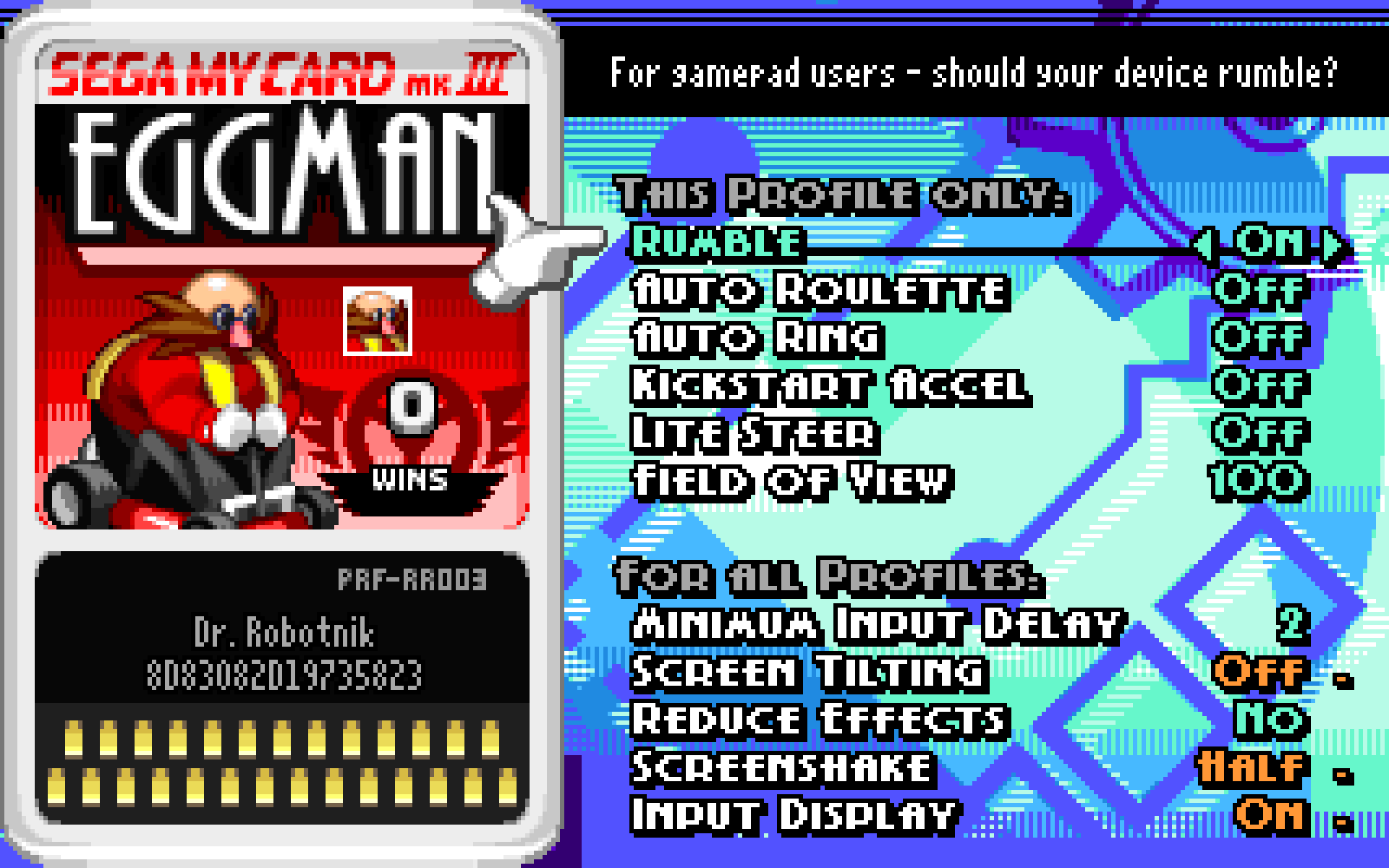
Use these options to tune the game for a comfortable experience.
- Rumble: For supported gamepads only. Allows vibrations from the gamepad.
- Auto Roulette: Random item roulette. You cannot select an item you want. (This may be more comfortable, but it’s a gameplay disadvantage.)
- Auto Ring: Rings will be used for you to maintain momentum. (Good for learning, but manual usage gives better control.)
- Kickstart Accel: Automatically accelerate after holding A for a short period.
- Lite Steer: For D-Pad & Keyboard only. Holding ↓ will make turning more shallow.
- Strict Fastfall: Disables the ACCEL + BRAKE fastfall shortcut, requiring you to fastfall using your Spindash button.
- Field of View: Higher values increase how much you can see, but shrink on-screen objects.
- Minimum Input Delay: Practice for online play, or set to 0 for a console experience.
- Screen Tilting: When driving on hills or inclines, the screen will tilt.
- Reduce Effects: Disables and modifies many visual effects, to increase clarity and reduce eyestrain.
- Screenshake: Can be set to Full, Half, or Off.
- Input Display: Shows the current active gamepad type and inputs.